Vishal Sharma
On this page
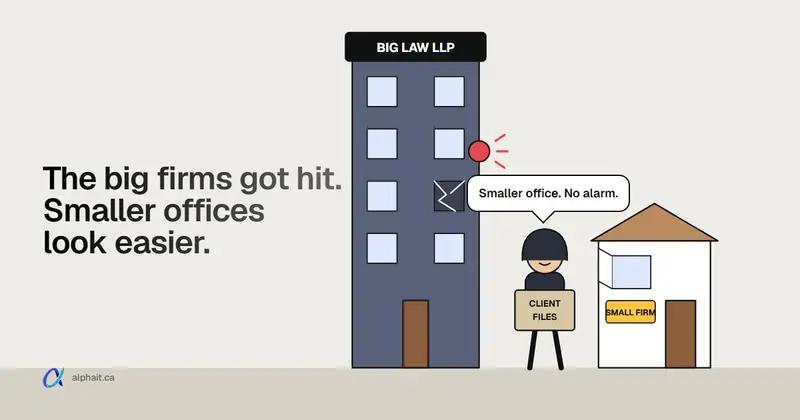
In late October 2026, four large Canadian law firms confirmed data breaches: McCarthy Tétrault, Borden Ladner Gervais (BLG), Bennett Jones and Davies Ward Phillips & Vineberg. The Globe and Mail reported at least seven staff accounts were taken over across the four. The way in was people, not servers: callers posing as internal IT sent staff to fake sign-in pages that got past regular MFA. These firms have security teams and big budgets. A 10-person Edmonton law or accounting office holds the same things attackers want: client files, trust money and wire instructions. The Law Society of Alberta already expects lawyers to understand the risks of the technology they use. And the cyber cover every Alberta lawyer gets through ALIA does not pay for funds transfer fraud. The checklist near the end is what we’d work through first.
What did each firm actually say?
Most of the detail in the news comes from unnamed sources. Here’s what the firms put on the record, plus what reporters added, kept separate.
| Firm | What the firm said | What press reported (not confirmed by the firm) |
|---|---|---|
| Bennett Jones | Notice dated Oct. 28: two business services employees’ accounts were compromised on Oct. 19. Client revenue reports were involved, and for some clients, general descriptions of mandates. Its document management and accounting systems were not affected. Law enforcement notified. | Part of a wider campaign against Canadian firms. |
| BLG | Certain files, including client files, were accessed by an unauthorized third party. | Access was to part of its Microsoft cloud environment. Mandiant brought in. |
| McCarthy Tétrault | A third party “gained access to certain files, including information relating to clients.” | Hacked Oct. 22. Four accounts compromised. About 31,000 files stolen, per one source. CrowdStrike brought in. |
| Davies | Identified “the compromise of information from one account.” | Hacked Oct. 23. |
The Globe also reported that Stikeman Elliott was targeted but not breached. Nobody has said publicly who the attackers are or whether the data has shown up online.
Two days before the stories broke, on October 28, the Canadian Centre for Cyber Security published alert AL26-028. It describes an ongoing help desk voice phishing campaign. Legal and finance firms have been targeted more since July, and October activity was concentrated on the legal sector. We broke down the phone script and the call-back rule in our post on the fake IT help desk phone scam. I won’t repeat it here. This post is about what the rest of your office should look like.
Why go after a law or accounting office at all?
Because the payoff is good and the defences are usually thin. Three things make firms worth the effort.
1. Trust money. A law firm’s trust account can hold a house closing, a settlement or an estate. The Law Society of Alberta wrote in March 2025 that lawyers and trust accounts are “high value targets”. It had reports of criminals phoning lawyers while pretending to be security or trust safety staff from the lawyer’s bank. They talked their way into the trust account and moved money out by electronic funds transfer.
2. Client files you can extort. Tax returns, corporate records, litigation files, medical reports in injury files. A firm will pay to keep those quiet. So might the client. The Cyber Centre alert says this campaign ends with data copied out of Microsoft 365 and, in some cases, an extortion demand.
3. Wire instructions. Every closing and every big payment runs on “please send funds to this account.” If an attacker sits in a mailbox, they can change one line in one email at the right moment. That’s business email compromise. Our fake invoice guide covers the red flags in detail.
Accounting offices get the same treatment for the same reasons, plus CRA and payroll access. The bar rules below are for lawyers. Your own professional body will have its own confidentiality expectations. The checklist applies to both.
How do attackers actually get in?
Not with clever malware, mostly. Here are the paths we’d plan for in a small office, roughly in order of how likely they are.
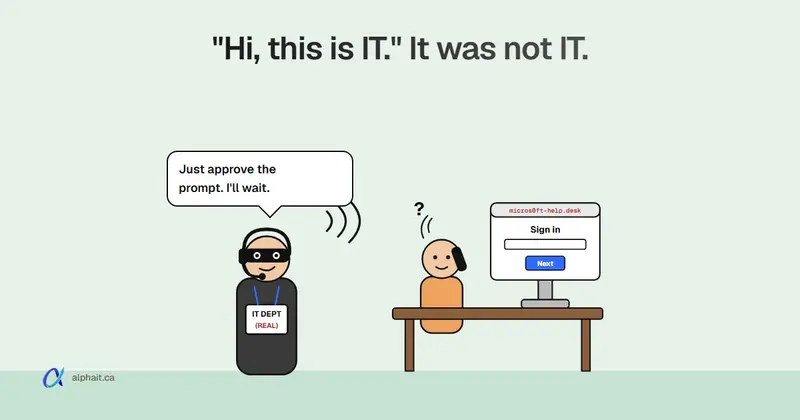
- A call or Teams message from “IT”. This is the October campaign. The caller asks for an urgent password change or “passkey migration” and sends a link. The fake page passes your password and MFA response to the real Microsoft sign-in. The attacker keeps the signed-in session.
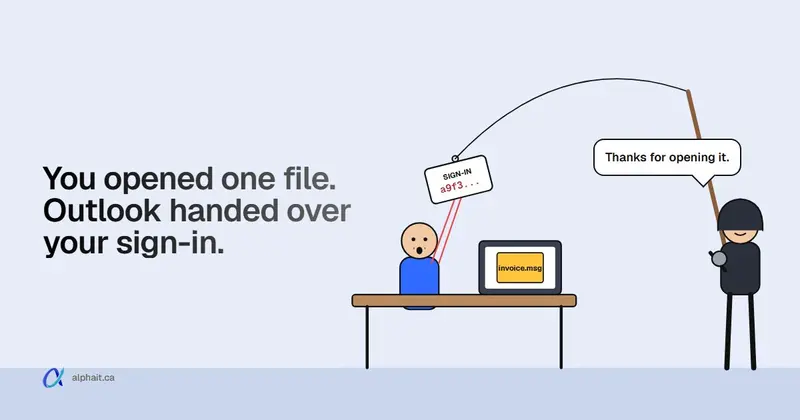
- A phishing email to a fake Microsoft 365 page. Same result, no phone call. Ordinary text or app MFA does not stop it.
- A call from “your bank”. Exactly what the Law Society warned about in 2025. The caller wants a code, a login, or an approval on the banking app.
- A hijacked client or opposing counsel mailbox. The fake wire instructions come from a real address you’ve been emailing for weeks.
- An unpatched edge device. Old firewalls, VPNs and email gateways are being exploited right now. See our rundown of exploited firewall and email gateway flaws if you run your own box at the office.
- A former employee who still has access. A shared mailbox password nobody changed. A personal phone still syncing the firm’s email.
Once inside, the Cyber Centre says, the attackers register their own MFA method, delete the security notification emails, and pull files out of SharePoint and OneDrive with scripts. In a small office, nobody is watching for any of that.
What does the Law Society of Alberta expect?
This is not legal advice. Check the current Code and talk to a Practice Advisor if you’re unsure. But a few things are clear on the Law Society’s own pages.
Technology competence is part of competence. In February 2020, the Law Society added two paragraphs of commentary to Rule 3.1-2 of the Code of Conduct. They say lawyers “should understand the technology they use in their practices and should understand its risks and benefits.” You don’t need the newest tools. You can rely on staff or an IT consultant for complex systems, but you must supervise them. In plain terms: “my IT guy handles it” is fine, as long as you know what he’s handling.
Trust account controls. The March 2025 Law Society notice recommends:
- hanging up on anyone claiming to be your bank and calling back on the bank’s main number;
- regular staff training on social engineering and email compromise;
- email authentication to flag fraudulent messages (SPF, DKIM and DMARC);
- MFA and strong passwords;
- secondary authentication for withdrawals, including EFTs from trust and general accounts.
That last one is a banking setting, not an IT one. Ask your bank for dual approval on outgoing transfers, so no single login can send money.
Reporting after a breach. The Law Society’s February 2026 notice on cyber threats says that, depending on the facts, you may need to report to your client, to ALIA or another insurer, to the OIPC, and to the Law Society’s Trust Safety department. It doesn’t set one deadline for all of them. If you’re unsure, it says to call a Practice Advisor. For the privacy side, our post on Alberta PIPA breach reporting explains the real risk of significant harm test and what a notice must include.
What does the ALIA cyber coverage cover?
Every Alberta lawyer who pays the indemnity levy also gets the universal cyber coverage program. Since July 1, 2024, the insurer is Beazley. Per ALIA’s own page:
- It covers breach response costs (only Beazley’s panel vendors, such as a breach coach lawyer), cyber extortion and data recovery.
- It covers data and network liability and regulatory defence and penalties.
- There’s a $5,000 deductible. Limits are per law firm, per policy year, and the amounts are on your certificate in the Lawyer Portal.
- It does not cover business interruption or hardware replacement.
- It does not include eCrime cover: fraudulent instructions, funds transfer fraud and telephone fraud.
- Report first-party claims to Beazley’s breach response team immediately: 1-844-778-5950 (24 hours) or bbrcanada@beazley.com.
Read that eCrime line twice. If someone tricks your office into wiring trust money to the wrong account, this program won’t pay it back. ALIA says to verify payment changes by calling the client at a number on file. If you carry your own cyber policy too, ALIA’s cover sits as excess over it in most cases. What insurers will ask about at renewal is in our cyber insurance security checklist.
Print the hotline number and tape it inside a cabinet. When email is down, you won’t be able to search for it.
The small-office checklist
Here’s what we’d do in a 5 to 25 person law or accounting office, in this order. Most of it is settings you already pay for in Microsoft 365 Business Premium.
This week
- Write the money rule down. No change to wire or banking instructions is ever accepted by email, text or Teams. The person sending money calls the client or the other firm on a number already in the file, not one in the email. Log who called, when, and what was confirmed. If you only do one thing this week, do this.
- Set up dual approval at the bank. Two people to release any EFT or wire from trust and general accounts. Ask for alerts on every outgoing transfer.
- Tell staff how real IT contacts them. One sentence on the wall: “IT will never call you and ask you to sign in, approve a prompt or read a code. Hang up and call us back.” Then make the call-back rule a habit.
- Check MFA covers every account. That includes shared mailboxes people sign in to directly, the managing partner, and the bookkeeper.
This month
- Move partners and anyone who can release money to phishing-resistant MFA. Passkeys, Windows Hello for Business or FIDO2 keys won’t complete on a fake page. The Cyber Centre recommends them first for high-risk users.
- Require managed devices for sign-in. With Conditional Access and Intune, a stolen session replayed from the attacker’s laptop gets refused. Block legacy authentication while you’re there.
- Turn on alerts for new MFA methods and suspicious inbox rules. Those are the first two things these attackers do. Someone has to read the alerts, so decide who.
- Lock down Teams external access. In the Teams admin center, under Users › External access, allow only the outside organizations you actually work with. The Cyber Centre recommends restricting external communications to trusted or needed users.
- Fix email authentication. Publish SPF and DKIM, then move DMARC towards enforcement. Add a tag that warns staff when an email comes from outside the firm. This is the core of any email security setup.
This quarter
- Tidy document access. List who can open which matters in SharePoint, OneDrive or your document management system. Remove “Everyone” links and old guest accounts. A support staffer doesn’t need every closed file since 2015. Bennett Jones said its document management system was not affected. Separation like that is worth having.
- Make sure Microsoft 365 audit logging is on and kept. The Cyber Centre says to preserve identity and Microsoft 365 audit logs. If you can’t see who downloaded what, you can’t tell a client what was taken, and you can’t do the PIPA harm assessment properly.
- Back up Microsoft 365 separately. SharePoint, OneDrive and mailboxes, to a copy the attacker can’t delete with the same login. Then test a restore. An untested backup is a guess.
- Fix offboarding. Same day: block sign-in, revoke sessions, remove MFA methods, wipe firm data from personal phones, change any shared passwords. Our offboarding IT checklist has the order.
- Patch or replace the firewall. If it’s out of support, it’s a liability.
- Write a one-page incident plan. Who calls the bank, who calls ALIA’s breach line, who calls the Practice Advisor, and how you’ll reach each other if email is down.
None of this needs a security team. It needs one person to own it and a calendar reminder to check it. The trade-off is a bit more friction for staff: a call before every wire, a key or passkey at sign-in. That’s cheaper than explaining a trust shortfall.
Sources
- ABA Journal: Canadian law firms seeing increased cyber attacks and data breaches (November 2, 2026)
- The Globe and Mail: How hackers broke into four of Canada’s top law firms (October 30, 2026: dates, account counts, firm statements)
- The Globe and Mail: Bennett Jones, Borden Ladner Gervais hit in data breach targeting Bay Street law firms
- Bennett Jones: Notice (October 28, 2026)
- BLG: Statement
- Canadian Centre for Cyber Security: AL26-028, Ongoing Help Desk Voice Phishing Campaign Targeting Canadian Organizations (October 28, 2026)
- Law Society of Alberta: Code of Conduct changes (technological competence, Rule 3.1-2) (February 2020)
- Law Society of Alberta: Cybersecurity Threats, Recent Instances of Trust Account Theft (March 27, 2025)
- Law Society of Alberta: Recent Increase in Cybersecurity Threats and Your Reporting Obligations (February 19, 2026)
- ALIA: Cyber Coverage Program
Frequently asked questions
Which Canadian law firms had data breaches in 2026?
McCarthy Tétrault, Borden Ladner Gervais (BLG), Bennett Jones and Davies Ward Phillips & Vineberg all confirmed breaches in late October 2026. Each said client-related information or files were involved to some degree. Bennett Jones said its document management and accounting systems were not affected.
Does a small law firm have to report a cyber breach in Alberta?
Often, yes, but to whom depends on what happened. The Law Society of Alberta lists clients, ALIA or your insurer, the OIPC under PIPA, and its Trust Safety department if trust funds are involved. If you’re unsure, call a Law Society Practice Advisor.
Does ALIA's cyber coverage pay back money lost to wire fraud?
No. ALIA says the Beazley cyber policy does not include eCrime coverage, which means fraudulent instructions, funds transfer fraud and telephone fraud. It covers breach response, extortion, data recovery and certain liability and regulatory costs, with a $5,000 deductible.
Is MFA enough to protect a law office's Microsoft 365?
Regular MFA helps, but it didn’t stop these attacks. Fake sign-in pages relay your code to Microsoft and keep the session. Phishing-resistant methods like passkeys or FIDO2 keys, plus a rule that sign-ins only work from firm-managed devices, close that gap.
What is the single most useful step for a small firm?
A written rule that wire and banking instructions are never accepted or changed by email. Always confirm by calling a number already in the file. Pair it with dual approval at the bank for every outgoing transfer.
Want someone to work through this checklist with you, or check your Microsoft 365 sign-in and sharing settings? AlphaIT’s IT support for law firms covers this checklist, and our cybersecurity team can run the review and set up the controls. Contact us.