
Category
IT & Security
Practical IT and cybersecurity advice for Edmonton businesses: passwords, backups, Windows upgrades, Microsoft 365 and nonprofit IT.
-
 IT & Security
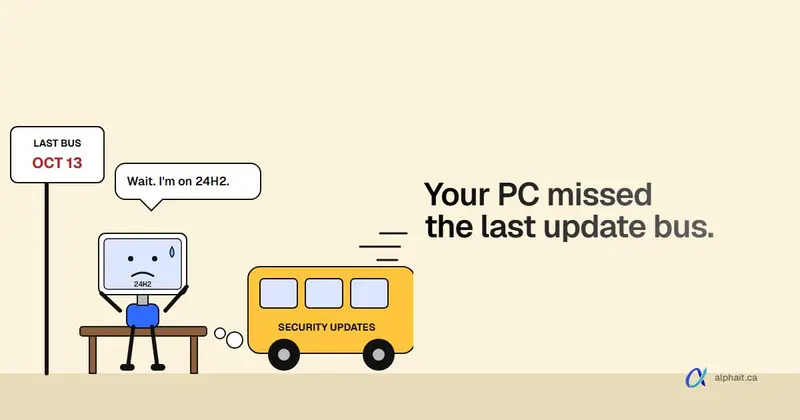
Windows 11 24H2 End of Support: How to Check Your PCs and Update Them
Windows 11 version 24H2 Home and Pro got its last security update in October 2026. Here's how to find the PCs still on it, what to move them to, and what usually blocks the update.
-
 IT & Security
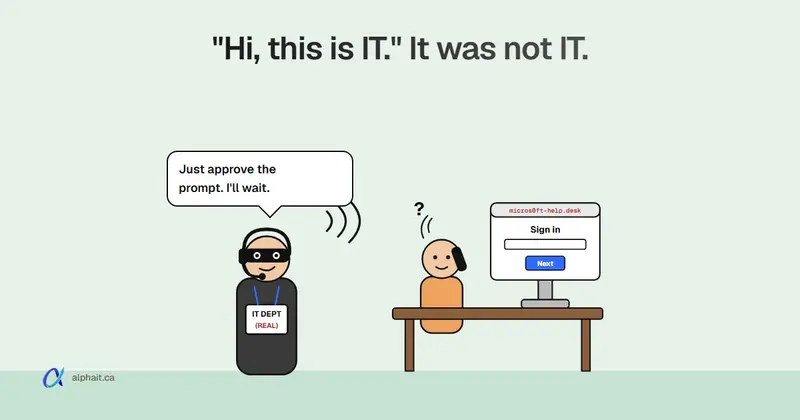
Fake IT Help Desk Calls Are Hitting Canadian Offices: How to Stop a Vishing Scam
The Canadian Centre for Cyber Security warns of callers posing as internal IT to steal sign-ins, and several Canadian law firms have confirmed breaches. Here is how the call goes, the one rule that stops it, and what to agree with your IT provider.
-
 IT & Security
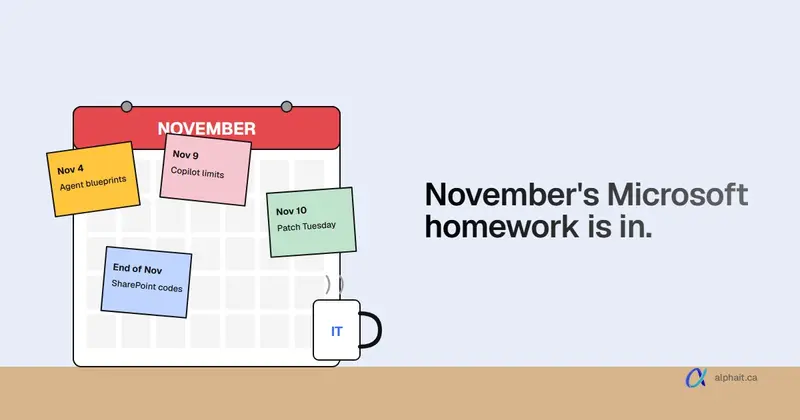
What Changed in Microsoft 365 and Windows in November 2026 (for Small Businesses)
Every Microsoft 365 and Windows change this month that a small office should know about, checked against Microsoft's own Message Center and release notes, with what to do about each one.
-
 IT & Security
Holiday Scams Hitting Canadian Offices in 2026: What They Look Like and What Staff Should Do
November and December bring a wave of scams aimed at office staff: fake delivery texts, CRA refund emails, Interac deposits, holiday party invites and gift-card requests from the boss. Here is what each one looks like, how to spot it, and a cheat sheet you can share.
-
 IT & Security
Microsoft Is Dropping Text Message Sign-In Codes: How to Move Your Office to Passkeys
Microsoft-provided SMS and voice codes stop working for most Entra work accounts on February 1, 2027, and personal Microsoft accounts are losing SMS too. Here is what was actually announced, and a step-by-step passkey rollout for a small office.
-
 IT & Security
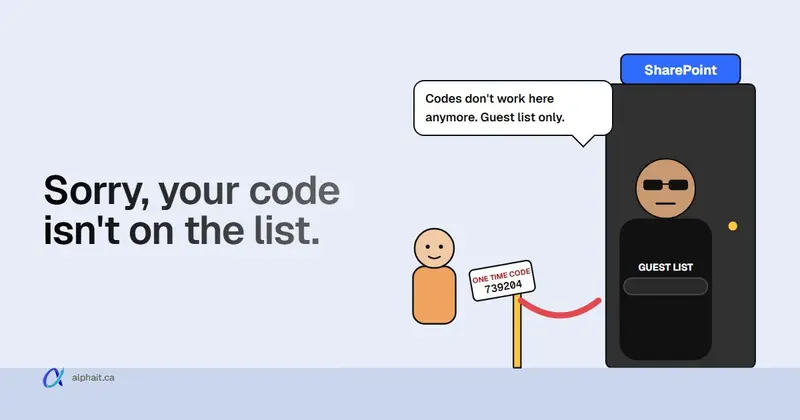
SharePoint and OneDrive One-Time Passcode Sharing Is Retired: Why Clients Can't Open Your Links
Microsoft is retiring the old SharePoint one-time passcode for outside people. If a client suddenly can't open a file you shared months ago, here is why, what they will see now, and how your admin restores access in minutes.
-
 IT & Security
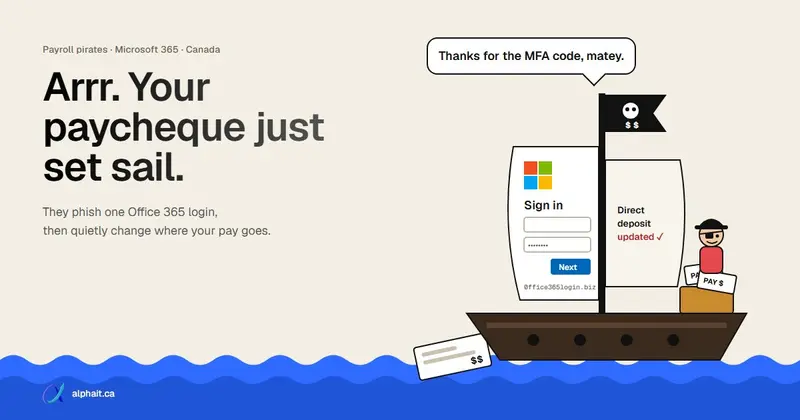
Payroll Pirate Scam in Canada: How Storm-2755 Steals Paycheques Through Microsoft 365
Microsoft found a group called Storm-2755 hijacking Canadian employees' Microsoft 365 sessions and quietly redirecting their pay. Here is how the scam works, the payroll rule that stops it, what admins should check, and what to do if a paycheque already went missing.
-
 IT & Security
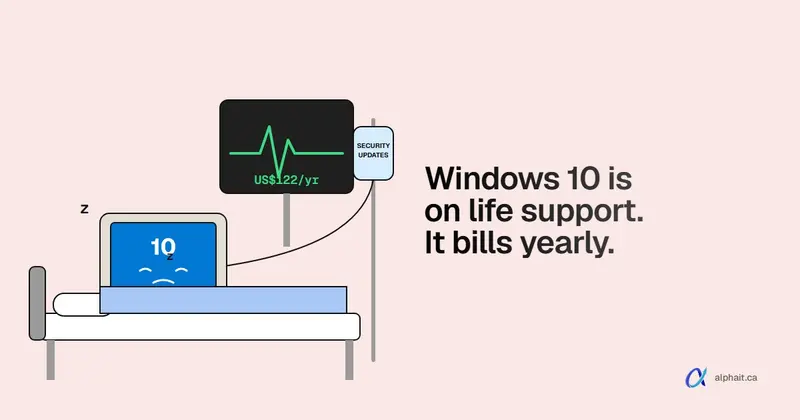
Windows 10 ESU Year 2 for Businesses: What It Costs, How to Check Your PCs, and When to Stop Paying
Year 2 of Windows 10 Extended Security Updates is here, and the price has doubled. Here is what a business pays, how to confirm each PC is actually licensed, and how to decide between paying, upgrading and replacing.
-
 IT & Security
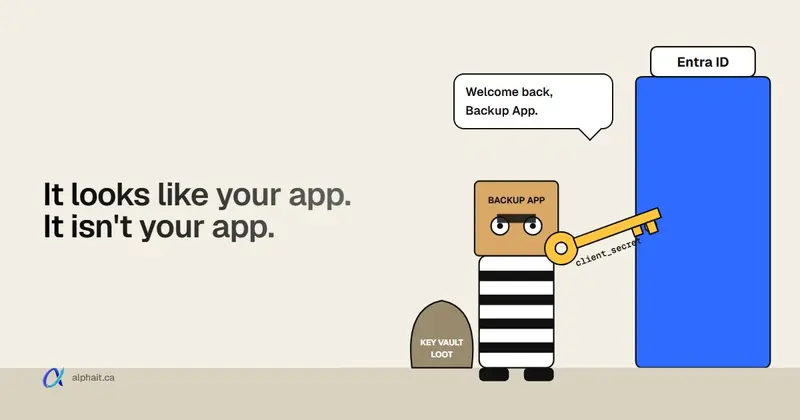
Stolen App Secrets Are Being Used to Break Into Microsoft 365: How to Check Your Entra ID Tenant
An active campaign is using stolen app secrets to sign into Microsoft Entra ID as legitimate applications, with no password and no MFA prompt. Here is what to look for in your sign-in logs, copy-paste scripts and queries to check, and what to do if you find a hit.
-
 IT & Security
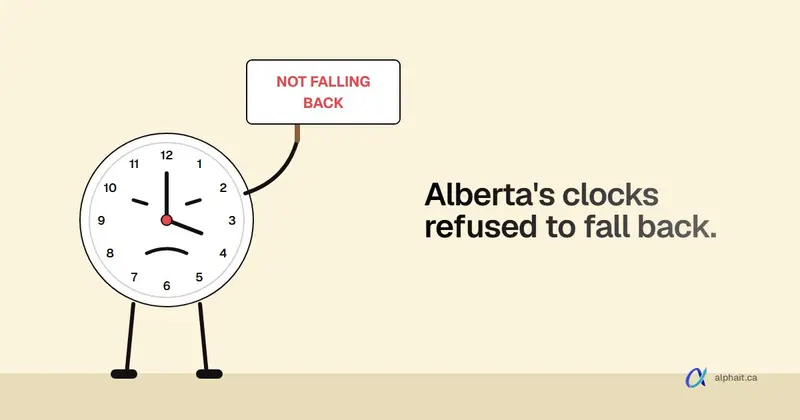
Alberta and B.C. Time Zone Fix for Windows: The PowerShell Script We Use (and How to Check Your PCs)
The Windows update that fixes Alberta and B.C. time has to be installed, and then the right time zone has to be picked. Here are the copy-paste PowerShell scripts we use to check PCs, install the update safely and set the new zone, with every line explained.
-
 IT & Security
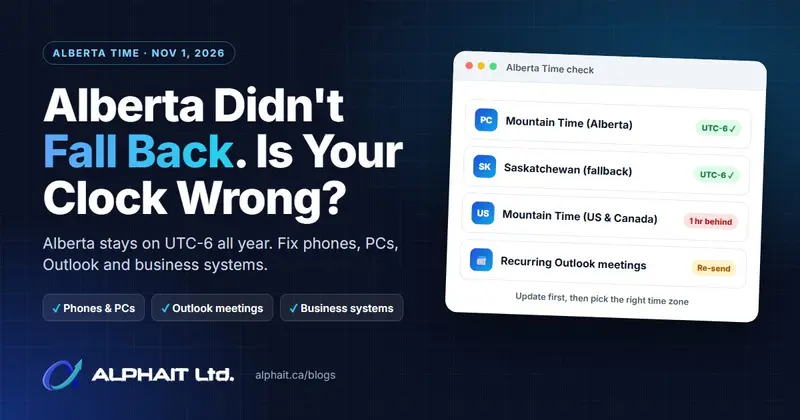
Alberta Didn't Fall Back on November 1: How to Fix Wrong Clocks, Outlook Meetings and Business Systems
Alberta stopped changing its clocks on November 1, 2026, but not every device and app got the memo. Here's why some times are an hour off, and a step-by-step fix for phones, Windows, Outlook and business systems.
-
 IT & Security
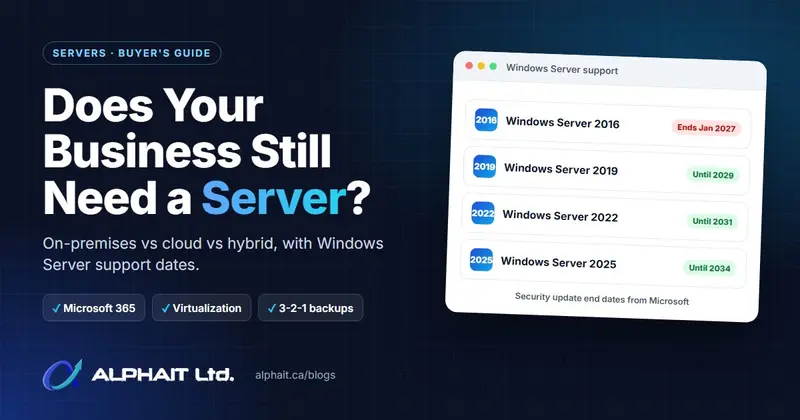
Does a Small Business Still Need a Server in 2026? On-Premises vs Cloud vs Hybrid
Many small offices no longer need a server, but some still do. Here's how to decide between on-premises, cloud and hybrid, with Windows Server support dates and a checklist.
Let’s get your IT set up right
We’ll review your current setup, find what’s causing problems and give you a practical plan for support, security and growth. No obligation.